The "Model Swap" Is Now a Single Toggle — Ollama Ships Official Claude Desktop Support, Letting You Run Open Models Locally for Free and Unlimited
Ollama ships official Claude Desktop support. With a single toggle, you can run open models (Qwen/DeepSeek/Kimi/GLM) locally or in the cloud without leaving Claude's interface. This piece lays out the practical gains in cost and privacy, how to split work between the two, and the burdens — speed, qu

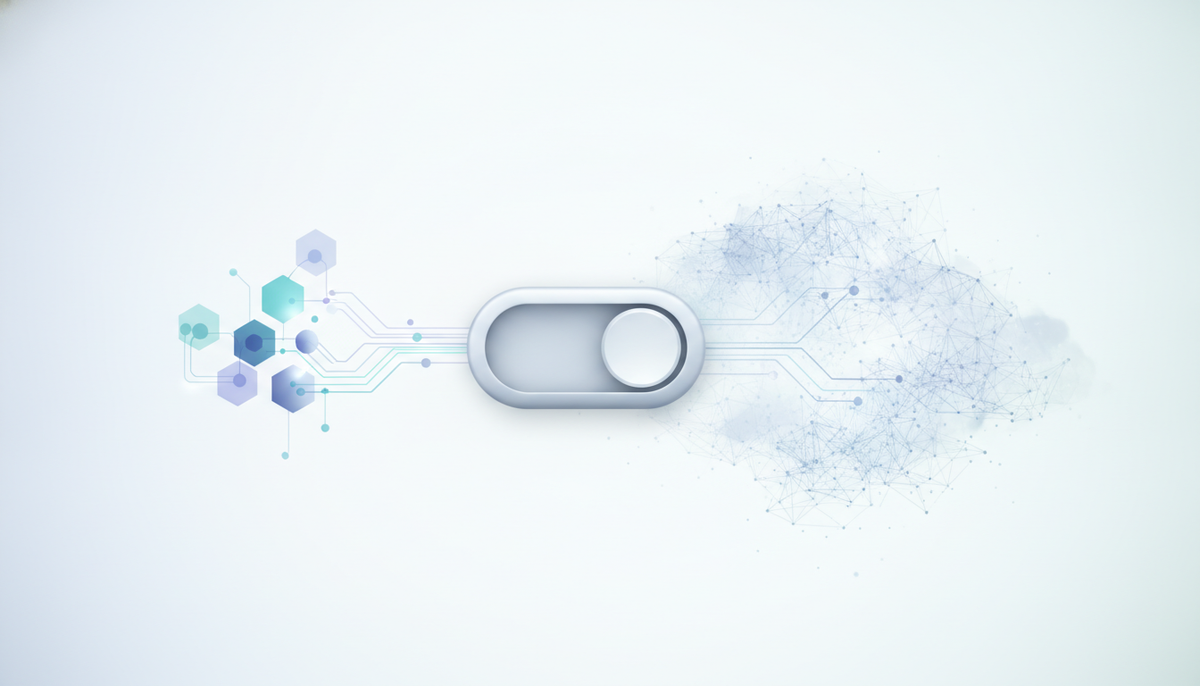
On August 25, 2026, Ollama announced official support for Claude Desktop. The setup that used to require rewriting environment variables — "use Claude's interface, but run models from your own machine or the Ollama cloud" — can now be assembled with a single toggle on the Ollama side. The key point is that you can switch between Anthropic's first-party models and open models like Qwen, DeepSeek, Kimi, and GLM, all without leaving the same screen.
The "plumbing" had been coming together for half a year
This support didn't appear out of nowhere. The groundwork was laid in two stages. In January 2026, Ollama added native support for Anthropic's Messages API format, removing the need for a translation proxy server in between. Then in May, Anthropic built a "third-party inference gateway" into Claude Desktop itself, making it possible to swap the backend for any endpoint (including localhost).
This time, they've added a faucet on top of that plumbing that handles the configuration for you. The steps are simply "open Ollama, choose Claude, and flip the toggle on" — Ollama configures the gateway automatically. Turn it off and you're back to the original Claude setup, so moving between the two is easy.
The design question: "which tasks do you push to your own machine?"
This setup pays off not because you want to handle everything with a local model, but because the aim is to route work by its nature. You can split the load so that routine, high-volume work goes to an open model running locally, while hard reasoning and design decisions are handed off to a high-performance cloud model.
- Suited to local: repetitive work like code completion, refactoring, debugging, and explaining a codebase
- Suited to cloud: work where accuracy drives the outcome, such as intricate reasoning and architectural decisions
Behind this is the cost structure of agentic coding. According to KDnuggets' explainer, such sessions consume 10 to 50 times the tokens of an ordinary chat. The calculation is that if you can offload the high-frequency work to your own machine, you fall outside the metered billing and rate limits for that portion.
The real benefits: "zero metered billing" and "your code never leaves"
Running things locally has two main advantages. First, there's no per-token cost and no rate limiting. Second, because your code never leaves your machine, even highly confidential codebases become easier to handle. Ollama turns telemetry off by default and advertises Zero Data Retention for both local and cloud use — another factor worth weighing.
There are two entry points to getting started
How you begin depends on your use case. If you want to stay entirely within a GUI, go through Claude Desktop; if you run things in the terminal, go through Claude Code.
- Claude Desktop: In the Ollama app, choose "Claude" and flip the toggle on. Ollama handles the configuration.
- Claude Code: Pull a model (e.g.
ollama pull glm-4.7-flash:latest), then setANTHROPIC_BASE_URL="http://localhost:11434"andANTHROPIC_DEFAULT_SONNET_MODELbefore launching. Because Claude Code sends requests in the Messages API format, it works simply by pointing the destination at a server that speaks the same format.
For models to run locally, it's practical to choose based on a rough memory guideline.
| Model | Rough memory | Intended use |
|---|---|---|
| GLM-4.7-Flash | 8GB VRAM | Light completion and drafting |
| Devstral-Small-2 | 16GB | General coding |
| Qwen3-Coder | 20GB | Work centered on code generation |
For practical use, roughly 32GB of memory (Apple Silicon's unified memory, or a PC's RAM) is considered the benchmark.
The burdens easily overlooked behind "free and unlimited"
Behind the convenience, it's also been pointed out that several burdens shift onto your own machine. First, speed. Because multi-step tasks involve more round trips, generation slows noticeably on quantized small models or CPU-only setups, as the explainers note. Next, quality. Open models running locally can't always match the accuracy of a frontier-class cloud model, so the arrangement assumes you send the hard calls back to the cloud. On top of that, performance now depends directly on your own hardware rather than the provider's infrastructure — a different consideration from API usage up to now. It's also worth noting that this is Ollama's second attempt at Claude Desktop support; the first attempt reportedly stumbled once.
"Running locally" becomes one of the defaults
This move doesn't force development teams into an either/or choice between cloud and local. Rather, it encourages a workflow where you keep both on the same screen and pick the cheaper, faster, or safer option for each task. For teams that have been considering local execution for reasons of cost and privacy, it's fair to read this as lowering the barrier to adoption by a notch. At the same time, since the premise that you'll also use the cloud when accuracy is required hasn't changed, it's realistic to set your expectations not at "replace everything" but at "the foundation for splitting work is now in place."
References: Ollama Blog: Claude Desktop support with Ollama / The New Stack: Claude Desktop can now easily run Qwen, DeepSeek and Kimi models / KDnuggets: Pairing Claude Code with Local Models / AlternativeTo: Claude Desktop adds Ollama integration for local and cloud model support