Just Type "@GitHub" and a Coworker Who Builds Shows Up in Your Chat — Copilot Lands in Both Slack and Teams, and Sees Things Through to the PR
GitHub has released Copilot in public preview for both Slack and Microsoft Teams. Mention @GitHub and you can trigger Issue triage, fixes in a cloud sandbox, and PR creation right from chat. Here's a rundown of how it's designed to ride on your existing GitHub permissions and approval gates—plus cav

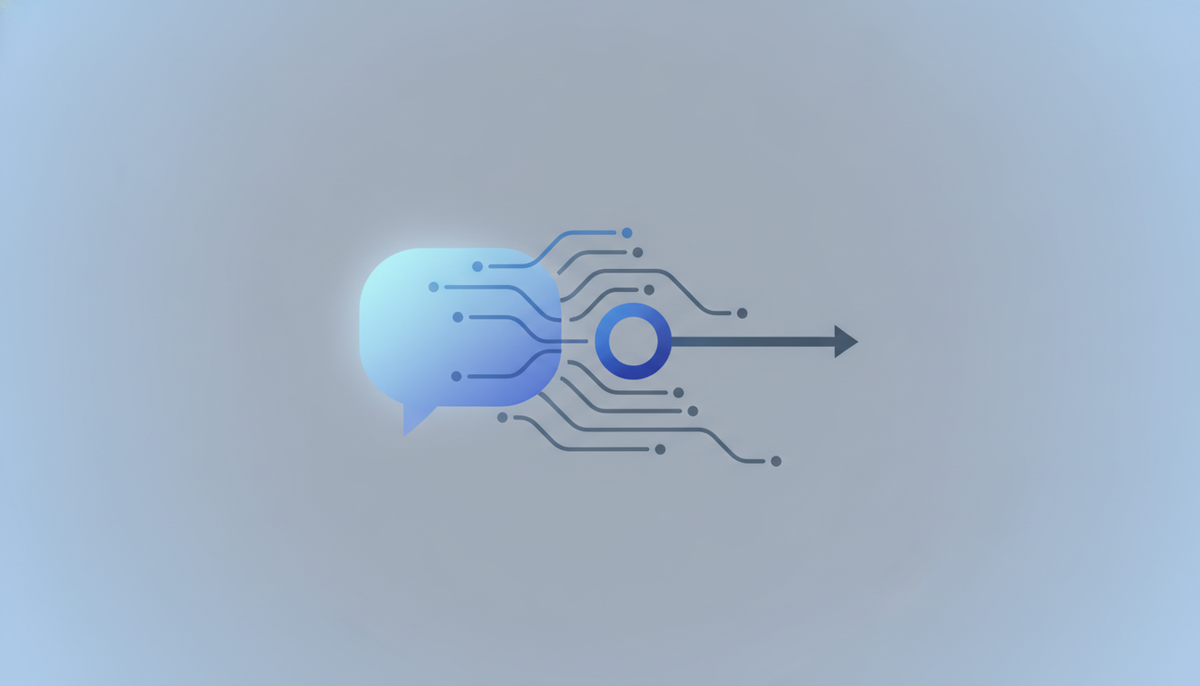
The place where you "summon" a coding agent is shifting from the terminal and IDE into your team's chatter. On August 21, 2026, GitHub made GitHub Copilot available as a public preview in both Slack and Microsoft Teams. Mention @GitHub in chat, and the agent gets to work right there.
Just Call "@GitHub" in Chat and It Springs into Action
Using it is refreshingly simple. In a direct message, a channel, or a thread reply, just write @GitHub and state what you need. Copilot picks up the task from within the conversation and starts investigating or fixing. If you're not sure what it can do, @GitHub help shows you the list of commands.
Until now, Copilot's main arena has been the editor (VS Code and JetBrains) and the command line (Copilot CLI). This update brings those CLI and app capabilities straight into your chat tools. The key point this time is that the agent works inside the screen the whole team is watching—not on a window someone opened alone.
The Difference from Salesforce, Which Got to Slack First: "Existing Permissions"
The idea of running a development agent from chat isn't new in itself. Just the day before, Salesforce had shipped a Slack-native "Slack Code." What sets GitHub's move apart is that it rides on top of the GitHub permissions and identities that development teams already use.
- Executing changes is limited to the scope of your repository permissions
- Pull requests Copilot creates are recorded under the Copilot app's name
- Repository administrators can make human approval mandatory before such a PR is merged
Since the source of truth for code lives in GitHub, it's a natural flow for "what you asked for in chat" to become a GitHub Issue or PR directly. On Slack, it further integrates with Slack Code, envisioning a workflow where an entire team can "follow the plan, review the diff, and iterate while previewing output such as HTML" in a dedicated code channel.
What You Can Do from Chat
Common to both Slack and Teams, you can kick off the following tasks from within chat.
- Answering questions: ask about your code or activity on GitHub
- Issue triage: sort through bug reports and create, update, and label Issues
- Investigate and fix: dig into the cause of a failure, try changes in a safe cloud sandbox, and verify them
- Creating PRs: open a pull request and return a link to the conversation for review
Once you give the instruction, Copilot keeps working asynchronously inside the sandbox. The team can return to other work and track progress in the thread. In Teams, you can also open the generated artifacts later in your terminal, the Copilot app, or your IDE and pick up where it left off.
It's Not the Case That "Anyone Can Trigger Changes"
Participation is tiered. The Teams documentation puts it clearly, organizing it as follows.
- Anyone in the conversation can ask questions or add context
- Only people with write access to the repository can actually have it change code
- Administrators can impose additional approval on PRs Copilot creates
The prerequisites also lean enterprise. The Slack version requires GitHub Copilot Business or Enterprise, and an administrator must enable the cloud agent policy, install the Slack app, and complete the GitHub account connection. The Teams version likewise assumes a paid plan and is designed so that an administrator enables both the cloud agent and the cloud sandbox in advance.
What It Means for Business: The Entry Point to Development Becomes "Conversation"
Where this really pays off is when non-engineers are on the same screen. In the channel where a bug report came in, just type @GitHub and triage, Issue creation, and the fix PR all connect as an extension of the conversation. The round trip of "notice it in Slack → switch to GitHub to file it → someone picks it up" collapses into a single thread.
The asynchronous nature is also practical for teams spread across time zones. Someone tosses in a request, work proceeds inside the sandbox, and when you wake up a PR link is waiting—the value this time is being able to lay down that style of work without breaking your existing permission controls.
Caveats You Can't Overlook
Behind the convenience, there are points worth nailing down before you roll it out. Nothing is certain, but the following concerns can be raised.
- Costs are hard to see: cloud agent runs and the sandbox consume a separate pool of AI credits, managed against the organization's usage-based budget. Precisely because it's so easy to summon from chat, consumption can pile up
- Where responsibility lies: because PRs are recorded under the Copilot app's name rather than a person's, you need to decide up front how review and accountability will be handled
- The entry point becomes the control surface: since chat becomes the trigger for changes, getting the design of write permissions and approval gates wrong can have a large impact
All of this is at the public preview stage, and the default design is that "it only works once an administrator explicitly enables it." The sensible move is to first try it on a small repository and a limited set of channels, confirm how the approval flow and credit consumption look, and then expand from there.
References: The new GitHub Copilot experience in Slack (GitHub Changelog) / Shared agentic work with GitHub Copilot in Microsoft Teams (GitHub Changelog) / GitHub Changelog (August 2026)