Agents Start Building Their Own "Workroom": Codex 0.162 Pulls the Groundwork for Parallel Tasks and the Pinned Command Center Inside
Codex CLI 0.162 adds a tool that lets the agent itself create "managed git worktrees." It makes parallel tasks pinnable in the command center, pulling the groundwork for unattended, parallel operation inside the agent. The challenge of where to draw trust boundaries remains.

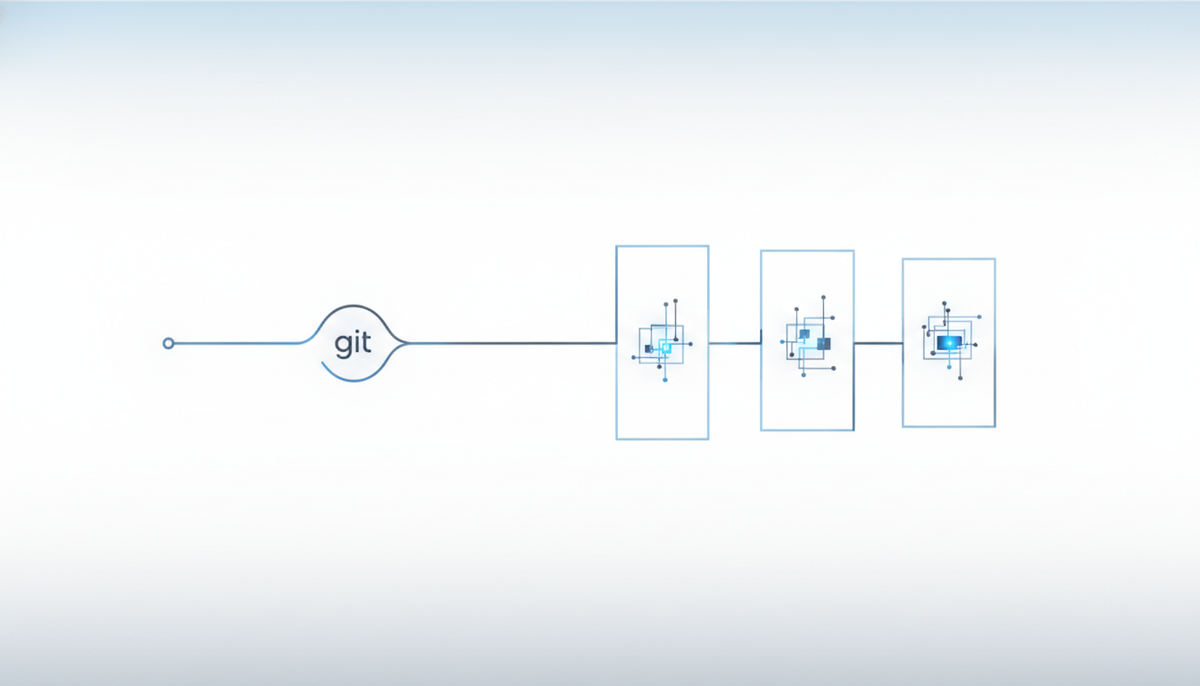
OpenAI's Codex CLI shipped 0.162.0 on October 8, followed by 0.162.1 the next day. The headline feature is a new tool that lets the agent itself create and list "managed git worktrees." It's an update that takes the parallel-task groundwork people used to do by hand and pulls it inside the agent.
Handing the "parallel-task groundwork" to the agent as a tool
A git worktree is a mechanism that branches multiple working trees off a single repository. It lets you split work on different branches into separate directories and move them forward at the same time. Until now, running several tasks in parallel assumed that a person would prepare the landing spots in advance with git worktree add.
In 0.156 at the end of September, Codex had already made a per-session worktree the default workbench. Now 0.162 goes a step further: only for trusted local projects, the agent can hold tools to create and list worktrees. It's a design that narrows the scope to trusted projects and only works when the feature is explicitly enabled.
A command center so you don't lose track: pinning tasks
The more parallel tasks pile up, the easier it is for the important ones to scroll out of history and get lost. In 0.162, pressing p in the Command Center that bundles tasks lets you pin a task, keeping it together in a shared Pinned group (when the server supports it). It's an update aimed at keeping your key task up front during long-running, unattended operation.
Key changes
| Change | Details |
|---|---|
| Managed git worktrees | Tools to create and list worktrees in trusted local projects (requires opting in) |
| Task pinning | p in the Command Center. Kept in a shared Pinned group |
| Code Mode | JavaScript helpers for streaming results, ranked tool search (opt-in) |
| Usability | /copy to duplicate a history block, Ctrl+Insert to copy, adjustable wheel speed, clickable URLs in various places |
| 0.162.1 (next day) | Fixed a TUI crash triggered by multi-line async questions, fixed a startup failure caused by a mismatch with default values |
0.162.1 is a fix release with no new features, addressing two issues around display stability and startup.
Picking tools faster: Code Mode's ranked search
The more tools there are to call through MCP and the like, the more the agent gets buried in choices about "which tool to use." This ranked tool search (opt-in) surfaces the relevant tools at the top, aiming to cut the steps involved in choosing one. Alongside it, JavaScript helpers for handling results returned via streaming were added.
How the development workflow changes
In development built around parallelism, whether you can isolate work per task is what decides productivity. Making the worktree an agent tool makes it easier to run "one task = one isolated tree" without inserting manual groundwork. Pinning is a guideline that keeps you from losing sight of the key task even when you're running several at once. It's an update that pairs well with an approach of breaking requirements into small pieces, running them in parallel in isolation, and merging the results afterward.
A concern not to overlook: the more parallelism, the more you need to draw lines around trust and review
That said, there are caveats to this kind of automation worth pointing out. When worktrees are easy to spin up, unmerged working trees can clutter things, making it hard to tell which one is the main line. And as the number of parallel runs grows, so does the diff a human has to review, in proportion.
OpenAI limiting creation to "trusted local projects" and not enabling the feature by default appears intended to avoid unauthorized working-tree creation that crosses trust boundaries. When you adopt the convenience, it's safer to decide in advance, on the operations side, where to draw the line on which projects count as "trusted."
References: OpenAI Codex rust-v0.162.0 release notes / rust-v0.162.1 release notes / AI TLDR: Codex CLI 0.162 / Releasebot: OpenAI Codex updates